Best 4K IPTV Services in 2026: 6 Options Compared

Searching for 4K IPTV usually means one of two things: you want live television that can actually be delivered in 4K, or you want an IPTV service that supports 4K-capable devices and content. Those are not always the same thing.
A service can advertise 4K support without every channel being available in native 4K. The actual experience depends on the source content, device, internet connection, and the specific channel or event you are watching.
In this guide, we compare six different options: RobotIPTV, Velora4K, MomIPTV, Fubo, DIRECTV MySports, and Sling TV. The goal is to look beyond channel counts and compare 4K availability, content, pricing, device support, trial options, and practical considerations.
| Attribute | Details |
|---|---|
| Topic | 4K IPTV Services |
| Level | Beginner |
| Devices Covered | Firestick, Smart TV, Apple TV, Android TV |
| What You Need | Compatible device, stable internet connection, and a 4K display |
In This Guide
Quick Comparison
| Service | 4K Availability | Starting Price | Trial / Guarantee | Device Support | Best Suited For |
|---|---|---|---|---|---|
| RobotIPTV | Advertised 4K / FHD / HD / UHD | $29.99 / 3 months | 24-hour trial + 7-day money-back | Firestick, Smart TV, Android, iOS and more | Large live TV + VOD selection |
| Velora4K | Advertised 4K / HD / FHD / UHD | $29.99 / 3 months | 24-hour trial + 7-day money-back | Firestick, Smart TV, Android, iOS, PC/Mac, MAG | 4K-focused IPTV streaming |
| MomIPTV | Advertised HD / FHD, 4K on some channels | $14 / 1 month | 24-hour trial + 10 to 45-day money-back (by plan) | Firestick, Smart TV, Android, iOS, Apple TV, PC/Mac, MAG, Enigma2 | Testing IPTV month to month |
| Fubo | 4K available on qualifying plans/content | Current pricing varies | Current offer varies | Fire TV, Roku, Apple TV, Smart TVs and more | Sports-focused live TV |
| DIRECTV MySports | Sports-focused live TV; 4K depends on available content/device | Check current offer | Check current offer | Major streaming platforms | Sports-first viewers |
| Sling TV | 4K availability depends on specific content | Check current offer | Check current offer | Fire TV, Roku, Apple TV, Smart TVs and more | Flexible live-TV packages |
Prices, features, content availability and device support can change. Always verify current terms before subscribing.
What Should You Look For in a 4K IPTV Service?
A 4K label by itself is not enough.
Before choosing a service, check these points:
- Does it actually offer 4K content?
- Is the 4K content live, on-demand, or both?
- Which channels or events are available in 4K?
- Does your Firestick, Smart TV or streaming box support 4K?
- Is your internet connection fast and stable enough?
- How many simultaneous connections are included?
- Does the service offer a trial?
- What happens if the service does not work properly on your device?
- Are the advertised channels and VOD titles actually available to you?
- Are the content rights and distribution terms clear?
This matters because 4K IPTV does not automatically mean that every channel or movie in the catalog is delivered in 4K.
1. RobotIPTV – Best 4K IPTV Services in 2026
4K Availability
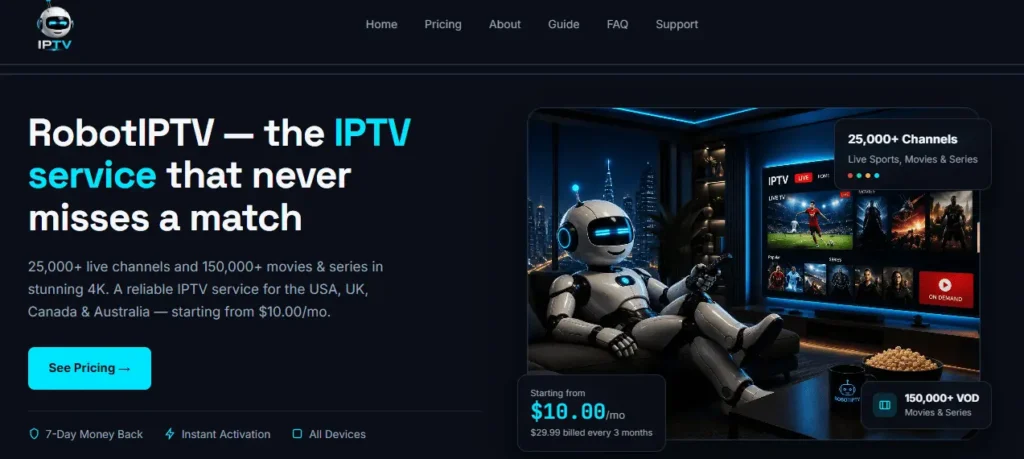
RobotIPTV advertises support for 4K, FHD, HD and UHD quality.
The service also advertises a large live TV and VOD catalog, but the published channel and VOD figures should be treated as provider-advertised figures rather than independent test results.
For viewers interested in 4K IPTV, the important point is to test the actual channels and content you intend to watch rather than assuming that every item in a large catalog is available in native 4K.
Content
According to the current supplied service information, RobotIPTV advertises:
- 25,000+ live channels
- 150,000+ movies and series
- 4K / FHD / HD / UHD quality options
- 7-day EPG
- Antifreeze Technology
- Live TV and VOD
The actual availability of individual channels and titles can change, so checking the service during the trial is more useful than relying only on the advertised channel count.
Pricing
The supplied current plans are:
3 Months — $29.99
- 1 connection
- 25,000+ advertised live channels
- 150,000+ advertised movies and series
- 4K / HD / FHD / UHD
- Antifreeze Technology
- 7-day money-back guarantee
6 Months — $45.99
- 1 connection
- 25,000+ advertised live channels
- 150,000+ advertised movies and series
- 4K / HD / FHD / UHD
- Antifreeze Technology
- 7-day money-back guarantee
12 Months — $69.99
- 1 connection
- 25,000+ advertised live channels
- 150,000+ advertised movies and series
- 4K / HD / FHD / UHD
- Antifreeze Technology
- 7-day money-back guarantee
- 2 additional months advertised as free
Trial
RobotIPTV advertises a 24-hour free trial and a 7-day money-back guarantee.
That gives users an opportunity to test the service on their own setup before committing to a longer plan.
During a trial, useful things to check include:
- 4K playback
- Channel availability
- Buffering
- EPG
- VOD playback
- Device compatibility
- Picture quality during busy hours
Devices
The supplied information lists compatibility with:
- Firestick / Fire TV
- Android TV
- Smart TVs
- iOS devices
- Other supported streaming devices
If Firestick is your main device, you can also compare it with our guide to the best IPTV service for Firestick before choosing a subscription.
Best For
RobotIPTV is mainly suited to viewers looking for a lower-cost IPTV subscription with a large advertised live TV and VOD catalog and support for multiple picture-quality formats.
2. Velora4K
4K Availability
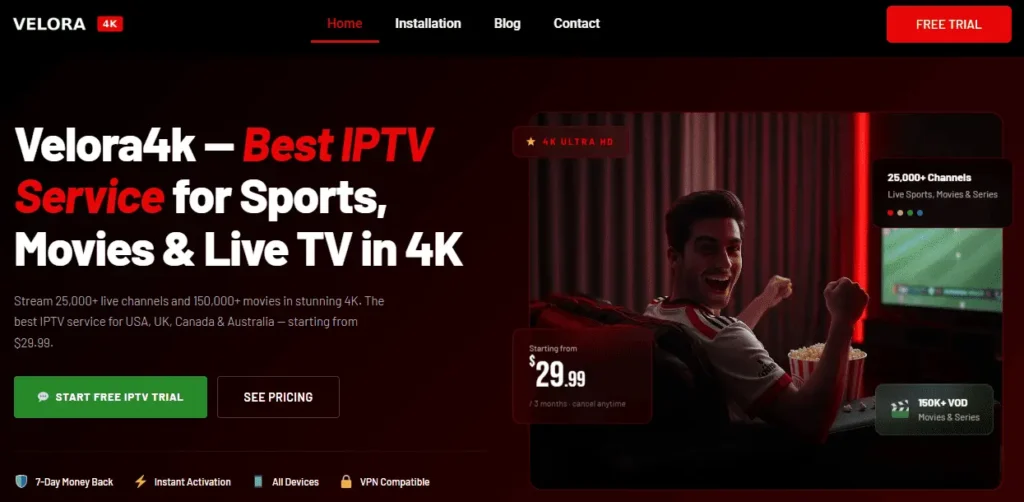
Velora4K is positioned around 4K/UHD-capable IPTV streaming and advertises support for:
- 4K
- HD
- FHD
- UHD
As with any IPTV service advertising 4K, this should not be interpreted as meaning that every channel is continuously delivered in native 4K.
The actual resolution can depend on the source feed and the specific content being watched.
Content
Velora4K advertises:
- 25,000+ live channels
- 150,000+ movies and series
- 4K / HD / FHD / UHD
- EPG
- 4-day catch-up
The service is positioned for viewers who want a combination of live TV, sports, movies and series.
Pricing
Velora4K’s current one-connection plans are $29.99 for 3 months, $45.99 for 6 months, and $69.99 for 12 months with 2 extra months included. Plans for two and three connections start at $42.99 and $54.99 for three months.
Because IPTV pricing and package terms can change, it is worth checking the current plan before purchasing.
Trial and Refund
Velora4K advertises:
- 24-hour free trial
- 7-day money-back guarantee
A trial is particularly useful for checking whether the service performs properly on your specific device and internet connection.
Devices
Velora4K lists support for:
- Firestick
- Samsung Smart TV
- LG Smart TV
- Sony Smart TV
- Android
- iPhone / iPad
- PC / Mac
- MAG devices
Features
The listed features include:
- Large live-channel catalog
- Large VOD library
- 4K / UHD support
- EPG
- 4-day catch-up
- Broad device compatibility
- Trial option
Things to Consider
- Individual channels and events can change
- 4K support does not mean every channel is delivered in 4K
- Current connection limits should be checked before purchase
- Content authorization should be confirmed before subscribing
Best For
Velora4K is aimed at viewers who prioritize high-resolution IPTV streaming while also wanting live TV, sports, movies, series, EPG and catch-up features.
3. MomIPTV
4K Availability
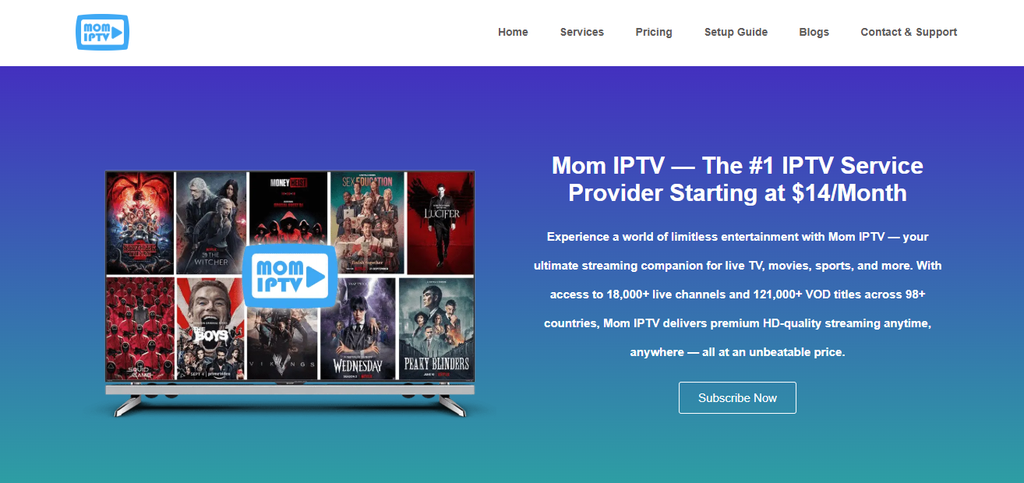
MomIPTV is more cautious about 4K than the two services above. Its plans are described as HD and Full HD, with 4K available on some channels. That’s an honest way to describe what most IPTV services actually deliver, but it also means this isn’t the pick if 4K is your main reason for subscribing.
Content
MomIPTV advertises:
- 18,000+ live channels from 98+ countries
- 121,000+ movies and series
- EPG
- Catch-up on supported channels
- M3U and Xtream Codes logins
Pricing
MomIPTV sells one service at every price. The only choices are how many screens can stream at the same time (1, 2 or 3 devices) and how long the plan lasts. The one-device plans are:
1 Month — $14
- 1 device
- 18,000+ advertised live channels from 98+ countries
- 121,000+ advertised movies and series
- HD and Full HD, with 4K on some channels
- EPG, plus catch-up on supported channels
- 30 days of access
- 10-day money-back window
3 Months — $24
- 1 device
- 18,000+ advertised live channels from 98+ countries
- 121,000+ advertised movies and series
- HD and Full HD, with 4K on some channels
- EPG, plus catch-up on supported channels
- about $8 per month
- 20-day money-back window
6 Months — $44
- 1 device
- 18,000+ advertised live channels from 98+ countries
- 121,000+ advertised movies and series
- HD and Full HD, with 4K on some channels
- EPG, plus catch-up on supported channels
- about $7.33 per month
- 30-day money-back window
12 Months — $64
- 1 device
- 18,000+ advertised live channels from 98+ countries
- 121,000+ advertised movies and series
- HD and Full HD, with 4K on some channels
- EPG, plus catch-up on supported channels
- about $5.33 per month
- 45-day money-back window
Plans for two and three devices use the same service at a higher price:
| Plan | 1 device | 2 devices | 3 devices |
|---|---|---|---|
| 1 month | $14 | $25 | $35 |
| 3 months | $24 | $40 | $60 |
| 6 months | $44 | $70 | $100 |
| 12 months | $64 | $110 | $150 |
Prices were checked on the MomIPTV pricing page on 26 October 2026. IPTV prices and package terms can change, so confirm the current price at checkout. MomIPTV is the only 4K-focused option in this comparison with a one-month plan.
Free Trial and Refund
MomIPTV offers a 24-hour free trial with no credit card. You request it on WhatsApp, say which device you use, and the team sends your login details, usually within minutes. The trial opens the same channel list as a paid plan, so it is a fair test of the real service.
If you subscribe afterwards, the money-back window depends on the plan: 10 days for 1 month, 20 days for 3 months, 30 days for 6 months and 45 days for 12 months. Requests should go to support before any payment dispute is opened.
During the trial, useful things to check include:
- 4K playback on the channels you actually watch
- Channel availability in your country
- Buffering during busy evening hours
- EPG and catch-up
- VOD playback
- Device compatibility and the player app
- Picture quality on your own internet connection
Devices
- Firestick and Fire TV
- Samsung and LG Smart TV
- Android TV boxes
- iPhone, iPad and Apple TV
- Windows and Mac
- MAG boxes and Enigma2 receivers
Things to Consider
- 4K is limited to some channels
- Smaller advertised catalogue than RobotIPTV or Velora4K
- Payment is confirmed on WhatsApp before the login is sent
- Content authorization should be confirmed before subscribing
Best For
MomIPTV suits viewers who want to test an IPTV service for one month on their own 4K TV before deciding whether a longer plan, or a more 4K-focused service, is worth it.
4. Fubo
4K Availability
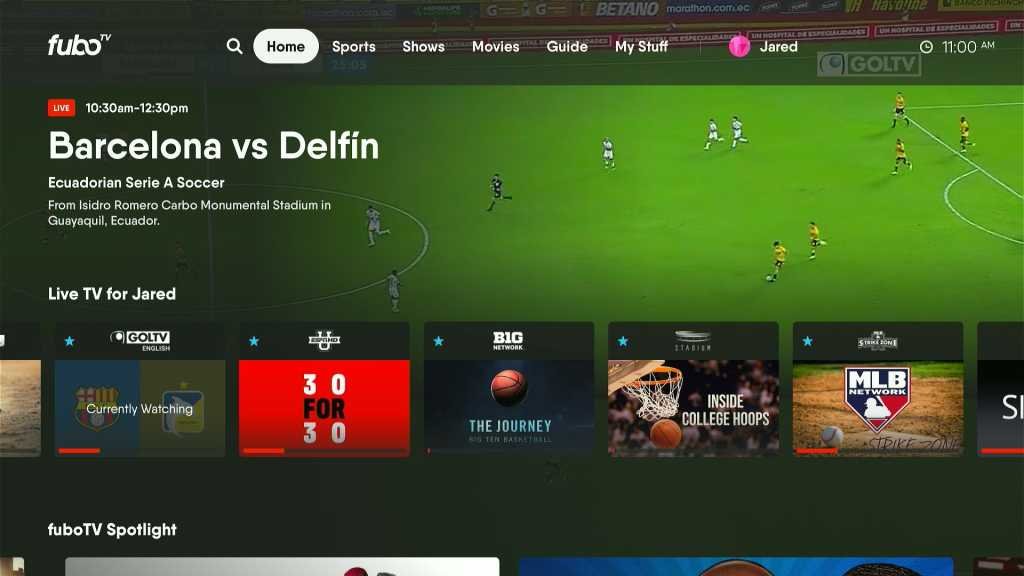
Fubo is a mainstream live-TV streaming service with a strong sports focus.
Its 4K availability is tied to specific plans and specific content rather than meaning that the entire channel lineup is delivered in 4K.
This distinction is important when comparing a traditional live-TV service with an IPTV subscription.
Content
Fubo focuses heavily on sports and live television.
Depending on the plan and location, viewers can find a mixture of:
- Sports
- News
- Entertainment
- Local channels
- Regional sports coverage
- On-demand content
Its higher-tier plans are where the more extensive 4K options are generally positioned.
Pricing
Fubo pricing changes according to plan, promotions and market.
Because current prices can change, the safest approach is to check the provider’s current offer before subscribing rather than relying on an old comparison price.
Devices
Fubo supports major streaming ecosystems, including:
- Fire TV
- Roku
- Apple TV
- Google TV
- Android TV
- Smart TVs
- Mobile devices
- Web browsers
Pros
- Strong sports focus
- Mainstream live-TV platform
- 4K available for qualifying content
- Broad device support
- Multiple plan options
Things to Consider
- 4K availability is not universal
- Higher tiers may be required for certain 4K content
- Pricing can be considerably higher than lower-cost IPTV subscriptions
- Regional sports availability depends on location
Best For
Fubo is particularly relevant for viewers who prioritize sports and want a mainstream live-TV streaming platform with documented 4K availability on qualifying content.
5. DIRECTV MySports
4K Availability
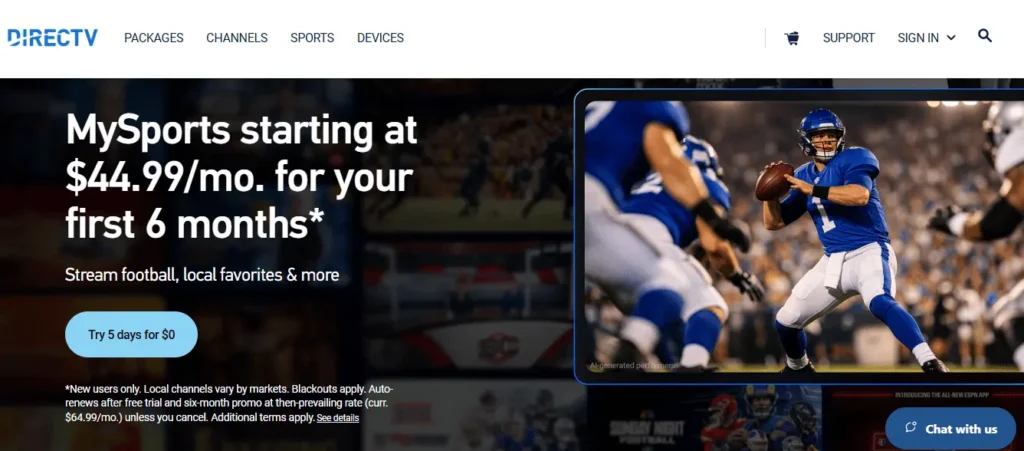
DIRECTV MySports is built around sports-focused live television rather than being a general-purpose IPTV catalog.
4K availability depends on the specific content and compatible hardware.
This means you should check the exact event and device requirements before assuming that a particular sports broadcast will be available in 4K.
Content
The service focuses primarily on sports programming.
That makes it different from RobotIPTV and Velora4K, which are positioned around much larger live TV and VOD catalogs.
DIRECTV’s sports-focused approach may make more sense for someone who wants a structured sports package instead of a large IPTV-style content library.
Devices
DIRECTV products support major streaming ecosystems, although exact features can vary by device and package.
For 4K viewing, device compatibility is especially important.
A 4K television alone does not guarantee 4K playback.
Pricing
Current pricing should be checked directly because package prices, promotions and included channels can change.
Additional fees can also apply depending on the package and location.
Pros
- Sports-focused package
- Mainstream streaming service
- Structured subscription model
- Broad device ecosystem
- Suitable for viewers who mainly want sports
Things to Consider
- Not a large IPTV-style VOD catalog
- 4K availability depends on specific content
- Current pricing and package details can change
- Device requirements should be checked before subscribing
Best For
DIRECTV MySports is designed more for viewers who want a sports-focused live-TV package than for people searching for a very large IPTV catalog.
6. Sling TV
4K Availability
Sling TV uses a flexible live-TV package model.
4K availability depends on the specific content rather than applying automatically to every channel included in a subscription.
For someone comparing 4K IPTV services, this makes it important to identify the exact programs they want to watch in 4K.
Content
Sling offers different combinations of:
- Sports
- News
- Entertainment
- Premium add-ons
- Channel packages
Its main advantage is flexibility rather than having the largest possible content catalog.
Pricing
Sling’s pricing depends on the package selected and any add-ons.
Because promotions and package prices change, check the current subscription page before making a purchase.
Devices
Sling supports many common platforms, including:
- Fire TV
- Roku
- Apple TV
- Smart TVs
- Android
- iOS
- Web browsers
Pros
- Flexible packages
- Multiple channel combinations
- Broad device support
- Useful for viewers who do not need a huge channel bundle
Things to Consider
- 4K availability is content-specific
- Channel selection depends heavily on the package
- Add-ons can increase the final monthly cost
- It is a different model from large IPTV catalogs
Best For
Sling TV is better suited to viewers who want a flexible live-TV package and prefer selecting specific channel groups instead of paying for a very large bundle.
Is 4K Live IPTV Legit?
IPTV is a legal technology. Licensed services such as Fubo, Sling TV and DIRECTV MySports in this guide all deliver live TV over the internet. The question that matters is whether a specific provider has the rights to distribute the channels and shows it lists. A low price or an easy sign-up does not answer that either way.
Before you subscribe to any 4K live IPTV service, check these points:
- The provider publishes terms, a refund policy and a contact route that works
- Trial and refund conditions are written down before you pay
- 4K claims are specific, for example some channels in 4K, rather than every channel in 4K
- You can confirm that the content you want to watch is authorized for distribution in your country
- You know who you are paying and how the checkout works
Be careful with very large channel counts at very low prices, and use the free trial to test the service before committing to a long plan. For more detail, read our guide on whether IPTV is legal and how to pick a trusted IPTV provider. If you are comparing services for the United States, start with our best IPTV USA guide.
What Makes a Good 4K IPTV Service?
1. Real 4K Availability
The first question should not simply be:
“Does this service support 4K?”
Instead ask:
“Which channels, events or titles are actually available in 4K?”
A service can support 4K playback while most of its content remains HD.
That is normal across the streaming industry.
2. Picture Quality
Resolution is only one part of picture quality.
A good 4K experience also depends on:
- Bitrate
- Source quality
- Compression
- Internet stability
- Device capability
- TV quality
A weak source cannot become true 4K simply because the player displays a 4K label.
3. Device Compatibility
Your device needs to support the required resolution.
For example, a standard Firestick that does not support 4K cannot magically output native 4K simply because your television is a 4K TV.
You need the appropriate streaming hardware, compatible application and supported content.
4. Stable Internet
4K requires considerably more bandwidth than standard HD.
For reference, Netflix recommends 15 Mbps or higher for Ultra HD 4K streaming. This is a useful benchmark, although IPTV services can have different requirements.
5. Trial Availability
A trial is one of the easiest ways to test whether an IPTV service fits your setup.
Instead of relying only on:
- Channel counts
- 4K claims
- Screenshots
- Reviews
test the service yourself.
Check the channels you actually watch, preferably during the hours when you normally stream.
How Much Internet Speed Do You Need for 4K IPTV?
There is no single speed that guarantees perfect 4K IPTV because different services use different compression, bitrate and delivery systems.
Still, published requirements from major streaming platforms give useful reference points.
Netflix recommends 15 Mbps or higher for 4K UHD.
YouTube TV’s own documentation recommends 25 Mbps or higher for available 4K programming with its 4K Plus service.
For IPTV users, a practical target is therefore to have more bandwidth than the minimum, especially when other devices are using the same connection.
For example:
- 10 Mbps: Can be restrictive for sustained 4K
- 15 Mbps: Published 4K benchmark used by Netflix
- 25 Mbps: More comfortable target for a single 4K stream
- 50+ Mbps: More room for other household activity
- 100+ Mbps: Useful when several devices share the connection
The number shown by your internet provider is not the whole story. Wi-Fi interference, router performance, network congestion and other devices can all affect actual streaming performance.
4K IPTV on Firestick, Smart TV and Apple TV
Firestick
If you want 4K playback, use a 4K-capable Fire TV device.
The television being 4K is not enough if the streaming device cannot output 4K.
When setting up an IPTV service on Firestick, check:
- Firestick model
- App compatibility
- Subscription plan
- 4K availability for the specific content
- Internet speed
You can also compare different IPTV apps and players for Firestick depending on the service you use.
Smart TV
Most modern Smart TVs support major streaming applications, but compatibility still varies by model and operating system.
A 4K television can display 4K content, but the service and application must also provide that content in 4K.
Apple TV 4K
Apple TV 4K is another option for viewers who want a dedicated streaming device.
The important point is the same: the device, application, subscription and content all need to support the required resolution.
How to Install IPTV on Firestick 4K
These steps work for most IPTV player apps. Your provider may recommend a specific app, so check that first.
- From the Fire TV home screen, use search to look for your IPTV player in the Amazon Appstore and install it if it is listed.
- If the app is not in the Appstore, install Downloader from the Appstore, then go to Settings > My Fire TV > Developer Options > Install unknown apps and allow Downloader.
- Open Downloader, enter the official download address given by the app developer or your provider, and install the app.
- Open the player and enter the login details from your provider, either an Xtream Codes login or an M3U link.
- Wait for the channel list and guide to load, then test a channel that is offered in 4K.
If the login fails or the app closes, see IPTV Smarters Pro not working on Firestick. More setup help is in our IPTV setup guide and our M3U IPTV guide.
How to Install IPTV on Apple TV 4K
Apple TV only installs apps from the App Store, so you cannot sideload an app the way you can on a Firestick.
- Open the App Store on your Apple TV 4K and search for an IPTV player app.
- Install the app and open it.
- Choose the login type your provider gave you, Xtream Codes or M3U, and enter the details.
- Let the channel list and TV guide load.
- In Settings > Video and Audio, check that the output format is set to 4K, then test a 4K channel.
Some players are free with limits and others are paid, so read the terms of the app you choose. A provider trial is a simple way to confirm that the app and the service work together before you pay.
4K IPTV vs HD IPTV
4K has four times the pixel resolution of 1080p HD, but that does not mean every viewer will notice the same difference.
The benefit becomes more obvious on:
- Large televisions
- High-quality displays
- Close viewing distances
- Detailed sports footage
- Major live events
- High-quality movies
HD can still look excellent, especially on smaller screens or when the source itself is not available in 4K.
That is why choosing a service purely because it says “4K” can be misleading.
The better question is whether the specific content you watch is actually available in 4K.
Frequently asked questions
What is 4K IPTV?
4K IPTV refers to television or video content delivered over an internet connection at 4K/UHD resolution. The term can describe a service that supports 4K playback, but it does not necessarily mean every channel is delivered in 4K.
Is every IPTV channel available in 4K?
No. A service can advertise 4K support while many channels remain available in HD or another resolution.
Is 25 Mbps enough for 4K IPTV?
25 Mbps can be a sensible target for one 4K stream, but it is not a universal guarantee.
How do I install IPTV on Firestick 4K?
The process depends on the service and application you are using.
How do I install IPTV on Apple TV 4K?
Use the official application provided by the streaming service when one is available, install it through the Apple TV App Store, then sign in using your account.
Is 4K live IPTV legitimate?
4K capability and legality are two different questions.
Does a 4K TV guarantee 4K IPTV?
No.
Is 4K live IPTV legit?
IPTV as a technology is legal, but a provider needs the rights to distribute the channels it lists. Check its terms, refund policy and whether the content is authorized in your country. The section Is 4K Live IPTV Legit? above has a short checklist.
How do I install IPTV on Apple TV 4K?
Install an IPTV player from the App Store, then enter the Xtream Codes or M3U details from your provider. Apple TV does not allow sideloading, so the app has to come from the App Store.
Can I watch Italian channels in 4K IPTV?
It depends on the provider and on whether the broadcaster offers a 4K feed. Look at the channel list during the free trial instead of relying on the advertised channel count.
Final Comparison
There is no single 4K IPTV service that fits every viewer.
RobotIPTV, Velora4K and MomIPTV are positioned around large IPTV-style live TV and VOD catalogs with advertised 4K/UHD support, while Fubo, DIRECTV MySports and Sling TV use more structured mainstream live-TV or sports-focused models.
RobotIPTV may appeal to viewers looking for a lower-cost subscription with a large advertised live TV and VOD selection, Firestick support and a 24-hour trial.
Velora4K focuses more directly on 4K/UHD-capable IPTV streaming and adds features such as EPG and catch-up.
MomIPTV is the most flexible way to try 4K IPTV, with a one-month plan and a long advertised refund window, though 4K is only available on some channels.
Fubo is more relevant to sports-focused households that want a mainstream live-TV service with qualifying 4K content.
DIRECTV MySports is aimed at sports-first viewers who prefer a structured sports package.
Sling TV is built around flexible live-TV packages and add-ons.
The most important thing is not the “4K” label by itself. Check the exact content you want, the device you use, the required internet speed, the number of connections, the price and the provider’s current terms before subscribing.
For any IPTV service, test the actual viewing experience before making a longer commitment whenever a trial is available.