Best IPTV Apps for Firestick: 6 Players Compared for 2026

Search for IPTV apps for Firestick and you will find lists of thirty, forty, sometimes sixty players. Most of those lists are padded. Half the apps stopped being updated years ago, a third of them are the same code under different names, and almost none of them explain what actually separates one from another on a Fire TV remote.
Six IPTV apps for Firestick genuinely matter in 2026, and the honest short version is that most people should install IPTV Smarters Pro tonight and move to TiviMate a fortnight later if the guide starts to irritate them. This guide compares the IPTV apps for Firestick that are still worth installing, on the things that change your evening: how the program guide behaves, how the app handles a D-pad, what the free tier really includes, and where each one falls down.
No winner for everyone. The right one among the IPTV apps for Firestick depends on whether you watch daily or occasionally, and whether you care about a proper guide or just want channels on screen tonight.
| Attribute | Details |
|---|---|
| Topic | Best IPTV Apps for Firestick |
| Level | Beginner — no technical knowledge needed |
| Devices Covered | Firestick Lite, 3rd gen, 4K, 4K Max, Fire TV Cube |
| What You Need | Active IPTV Apps for Firestick |
In This Guide
The two halves of a Firestick setup
Every complaint about IPTV on a Fire TV Stick comes down to one of two things, and people almost always blame the wrong one.
The app is the part you look at. It decides how the guide scrolls, how many button presses reach your channel, and whether the interface feels like a TV or a phone bolted onto a TV. That is what this guide compares.
The subscription is the part you do not see. It decides whether the picture holds at 8pm on a Sunday, whether the guide has real listings in it, and whether the channels you care about are there at all. No player rescues a weak line, and the best line still looks clumsy behind a bad player.
Get that distinction straight before you install anything, because it saves you from switching apps four times over a problem the app never caused.
If you are still choosing a provider, our guide to what to check in an IPTV service for Firestick covers the speed you actually need, what a working program guide should look like, and the five questions worth asking anyone before you hand over money.
What IPTV apps for Firestick actually do
An IPTV app for Firestick is an empty shell. It carries no channels, no films, no guide data of its own.
What it does is take a subscription line and turn it into something you can navigate. Your provider sends either an M3U URL or a set of Xtream Codes credentials, and the app organises whatever comes back into channels, categories, and a program guide.
This is why “the best IPTV apps for Firestick” and “the best IPTV service” are two completely different questions. The app decides how it feels to use. The subscription decides whether the stream holds up at 8pm on a Sunday. A brilliant player fed by a weak line still buffers, and a plain player fed by a strong one still plays.
Swapping between IPTV apps for Firestick costs nothing. You can install three, point all of them at the same subscription, and keep whichever you prefer.
Why the app choice matters more on a Firestick
On a phone, most IPTV apps for Firestick and Android feel similar. You tap what you want. On a Fire TV Stick you have a directional pad and a remote with seven buttons, and the difference between apps becomes obvious within about a minute.
An IPTV app for Firestick built for touchscreens first will make you scroll sideways through two hundred channels to reach the one you want. An app built for a remote gives you a channel number, a guide you can page through, and a back button that goes where you expect.
Then there is memory. The Lite and 3rd gen sticks ship with 8 GB of storage and modest RAM. A heavy player caching a week of guide data for 25,000 channels will stutter on those models while running fine on a 4K Max. That difference does not appear in any feature comparison, but you feel it every time the app opens.
How we compared them
No lab, no fabricated uptime percentages. These six IPTV apps for Firestick were assessed on criteria you can verify yourself during a free trial:
- Guide quality. Does the EPG load a full week, and does it stay aligned with your timezone?
- Remote handling. How many D-pad presses to reach a specific channel from cold?
- Free tier honesty. What the free version actually does before it starts asking for money.
- Format support. M3U, Xtream Codes, or both.
- Load on older sticks. Whether it behaves on 8 GB hardware.
- Catch-up and recording. Available at all, and if so, free or paid.
Ratings below are editorial judgment, not survey data. They are deliberately spread out, because rating six apps 4.8 out of 5 tells you nothing.
Two of the six we run ourselves: TiviMate and IBO Player Pro, both on paid tiers. Neither is free, and neither pretends to be. Where the notes below come from using an app rather than reading its feature list, it says so.
IPTV apps for Firestick compared at a glance
| App | Cost | Guide | Formats | Older sticks | Rating |
|---|---|---|---|---|---|
| TiviMate | Free tier, paid premium | Excellent | M3U, Xtream | Good | 4.6 / 5 |
| IPTV Smarters Pro | Free | Good | M3U, Xtream | Very good | 4.2 / 5 |
| OTT Navigator | Free tier, paid premium | Excellent | M3U, Xtream | Fair | 4.1 / 5 |
| XCIPTV Player | Free and paid builds | Good | M3U, Xtream | Good | 3.9 / 5 |
| IBO Player Pro | One-time activation fee | Adequate | M3U, Xtream | Very good | 3.6 / 5 |
| Perfect Player | Free | Basic | M3U, XSPF | Excellent | 3.3 / 5 |
The six IPTV apps for Firestick worth your time
1. TiviMate
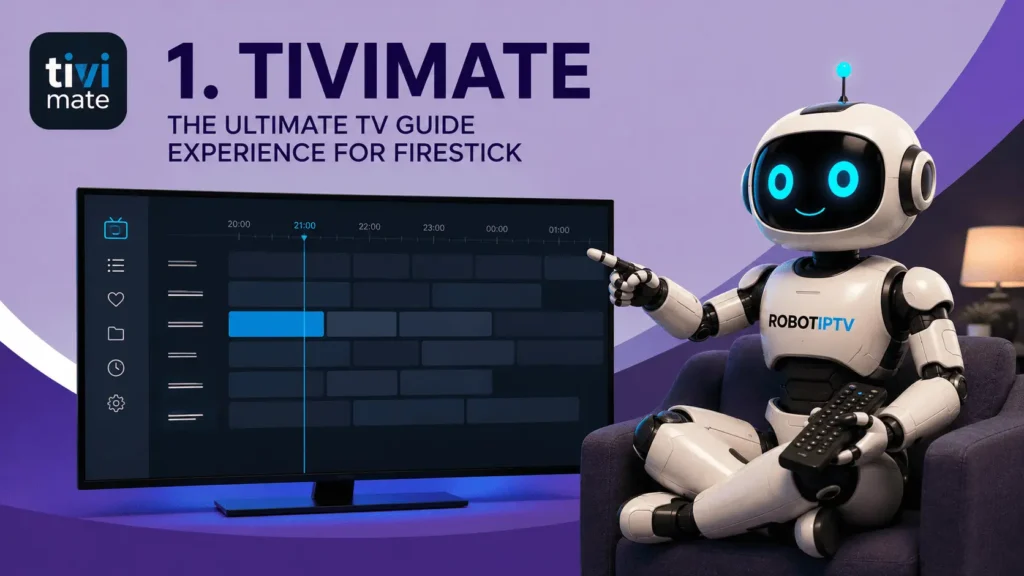
The closest thing to a cable box interface among IPTV apps for Firestick. Built for a remote from the ground up, and it shows in every menu.
Key features
- Seven-day EPG that scrolls like a real TV guide
- Channel groups and favourites that survive a playlist refresh
- Recording and multiple playlists on the premium tier
- Picture-in-picture and multi-view on premium
Pros
- The guide is genuinely better than everything else here
- D-pad navigation feels designed, not adapted
Cons
- The useful features sit behind the paid tier
- One playlist only on free, which rules it out if you run two providers
Formats: M3U and Xtream Codes Free tier: Yes, one playlist, no recording Catch-up: Premium only Verdict: If you watch most evenings and the guide matters to you, this is the one. If you watch twice a month, the free tier still beats the alternatives.
We run TiviMate premium on a 4K Max and it is the app that stays installed. The thing that keeps it there is unglamorous: the guide loads in a second, and the back button always goes one level up rather than dumping you at the home screen. Small, and you notice it every night. The free tier is real, not crippled, but the single-playlist limit is what eventually pushes you to pay.
2. IPTV Smarters Pro
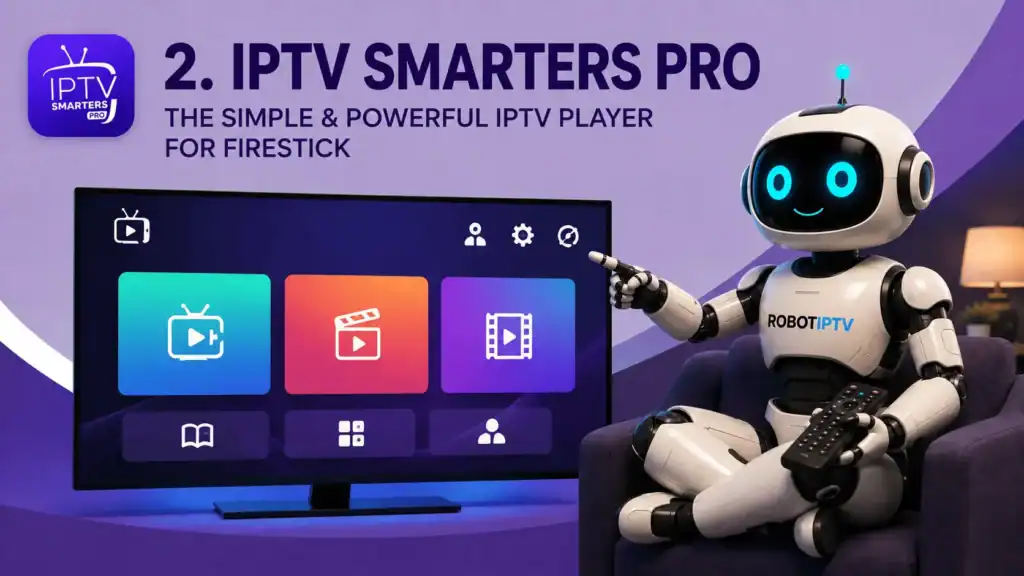
The default first install for a reason. Fewer settings, faster setup, and no upgrade prompts anywhere.
Key features
- Xtream Codes login with three fields, or a single M3U URL
- Separate sections for Live, Movies, and Series
- External player support for VLC and MX Player
- Parental controls on categories
Pros
- Completely free with nothing held back
- Lightest of the six on 8 GB sticks
Cons
- The guide is functional rather than good
- Favourites management is clumsy once you pass thirty channels
Formats: M3U and Xtream Codes Free tier: The whole app Catch-up: Yes, where the provider supplies it Verdict: Best starting point. Get your line working here, then decide whether the guide is worth paying TiviMate for. Our step-by-step install walkthrough covers the setup and the errors people hit on first login.
3. OTT Navigator
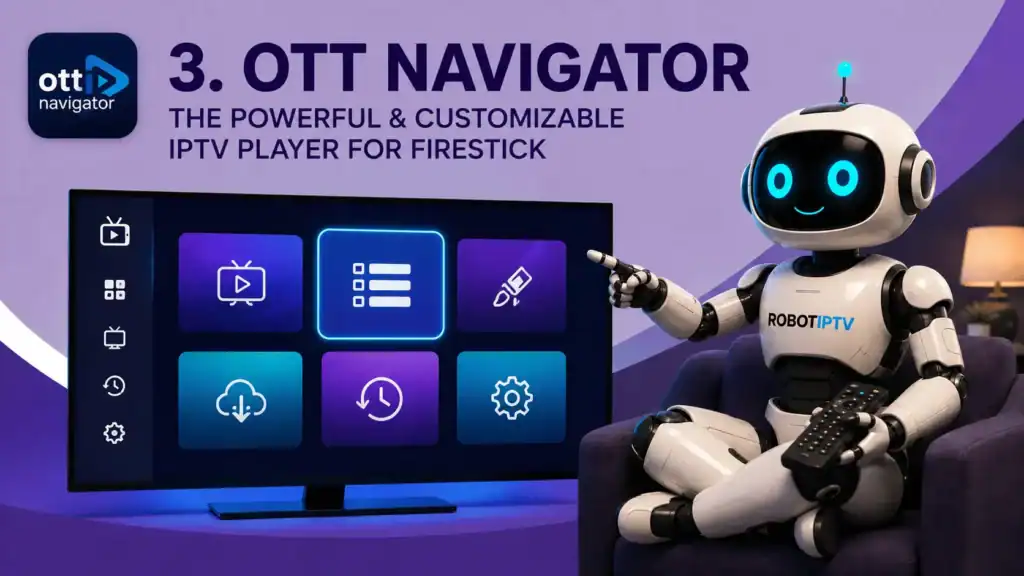
The app for people who enjoy settings menus. Enormously configurable, and slightly overwhelming until you have spent an hour in it.
Key features
- Multiple EPG sources merged into one guide
- Deep theming, layout, and playback controls
- Archive and catch-up handling that beats most rivals
- Built-in decoder switching
Pros
- Guide quality rivals TiviMate
- Handles messy provider data better than anything else here
Cons
- The settings depth is a real barrier for a first-time user
- Noticeably heavier on Lite and 3rd gen sticks
Formats: M3U and Xtream Codes Free tier: Yes, with a trial of the premium features Catch-up: Yes, strong implementation Verdict: For the person who wants to tune everything. Skip it if you want channels working in five minutes.
4. XCIPTV Player
Sits in the middle of the field. Nothing outstanding, nothing broken, and a catch-up implementation that punches above its rating.
Key features
- Multi-screen viewing on a single line
- Catch-up TV with a clear archive browser
- Series tracking with watched markers
- Multiple profile support
Pros
- Catch-up is genuinely well done
- Interface is clean without being sparse
Cons
- Distribution is confusing, with several builds in circulation
- Guide is a step behind TiviMate and OTT Navigator
Formats: M3U and Xtream Codes Free tier: Depends on the build Catch-up: Yes, one of its strengths Verdict: Worth a look specifically if you rewatch matches or shows you missed. Otherwise the other five cover the same ground.
5. IBO Player Pro
Different model to the rest. You pay a one-time activation fee tied to your device, and that is the end of it.
Key features
- Device-locked activation, no recurring cost
- Works across Smart TV platforms as well as Fire TV
- Simple playlist upload through a web portal
- Very light on system resources
Pros
- No subscription, ever
- The usual fallback when other players misbehave on a specific stick
Cons
- Guide is adequate at best
- Activation is tied to hardware, so replacing the stick means paying again
Formats: M3U and Xtream Codes Free tier: Short trial only, then a paid activation Catch-up: Limited Verdict: Buy it when something else has failed on your particular device, or when you want one payment and no thinking about it afterwards.
We use IBO Player Pro on a second TV and the appeal is that it stops asking for anything. One activation, done. The trade-off is the guide, which is fine for finding a channel and poor for browsing a week ahead. Worth knowing before you pay: the activation is locked to that device, so replacing the stick means buying it again.
6. Perfect Player
The old one. Still works, still free, and still the lightest app on this page.
Key features
- Minimal interface with almost no overhead
- XSPF and M3U playlist support
- UDP proxy support for local network streams
- Manual EPG source configuration
Pros
- Runs on hardware where everything else struggles
- No account, no activation, no upsell
Cons
- Interface looks its age
- EPG setup is manual and unforgiving
Formats: M3U and XSPF Free tier: The whole app Catch-up: No Verdict: Keep it in reserve for an old stick in a spare room. Not a first choice on modern hardware.
How to choose between IPTV apps for Firestick
Start with how often you watch
Of the IPTV apps for Firestick here, daily viewers should pay for TiviMate premium and stop thinking about it. Occasional viewers get more than enough from IPTV Smarters Pro for nothing. The guide only becomes worth money when you use it every day.
Check what your stick can carry
On a Lite or a 3rd gen, stay with Smarters, IBO, or Perfect Player. On a 4K, 4K Max, or Cube, anything on this list runs comfortably. This single check prevents most of the “the app keeps crashing” complaints.
Match the app to your provider’s format
Every app here accepts M3U. Not every provider supplies Xtream Codes. If yours only sends an M3U URL, that narrows nothing, but if it supplies both, Xtream Codes usually produces a better organised channel list.
Decide whether catch-up matters
If you regularly miss live matches, XCIPTV or OTT Navigator will change how you watch. If you only watch live, it is a feature you will never open, and it should not influence your choice at all.
The trade-offs, in one place
Pros
- Every app here is free to try
- Switching apps costs nothing, the subscription stays
- All six accept both M3U and Xtream Codes
- Install several and compare them on one line
Cons
- None are in the Amazon store, so sideloading is required
- The best guides sit behind paid tiers
- Heavier apps stutter on 8 GB Lite and 3rd gen sticks
Test during a trial, not after paying
Install two apps, point both at a trial line, and use them between 7pm and 10pm. Twenty minutes at peak hour tells you more than any comparison table, this one included.
Installing IPTV apps for Firestick
None of the IPTV apps for Firestick on this page are in Amazon’s store, so all six install the same way: switch on installs from unknown apps in Developer Options, install Downloader from the Amazon Appstore, then fetch the APK.
It takes about ten minutes and it is not jailbreaking. Nothing about the device is modified, and your warranty and Amazon account are unaffected.
One thing worth repeating. Take APK files from the official site of the app or from a link your provider sends you directly. Search results are full of mirror sites offering modified builds, and those files get installed with full permissions on a device sitting on your home network.
A note on legality
IPTV apps for Firestick are legal software. Several of them are distributed on Google Play and the App Store, and installing software on hardware you own is not against the law anywhere these apps are available.
The legal question sits with the subscription, not the player. A provider operates lawfully where it holds distribution rights for the channels it carries, and unlawfully where it does not. That is worth checking before you pay anyone, and the signals are simple: published terms, a stated refund policy, and a contact address for copyright complaints.
For a neutral explanation of how the underlying delivery technology works, Wikipedia’s IPTV article is a reasonable starting point.
Frequently asked questions
What is the best IPTV app for Firestick?
TiviMate for most daily viewers, because its program guide and remote handling are ahead of everything else. IPTV Smarters Pro is the better first install if you want channels working tonight without configuring anything. Both are free to try.
Are IPTV apps for Firestick free?
Most IPTV apps for Firestick are free. IPTV Smarters Pro and Perfect Player are entirely free. TiviMate and OTT Navigator have free tiers with paid upgrades. IBO Player Pro charges a one-time activation fee. The subscription that feeds the app is the actual cost.
Do IPTV apps for Firestick come with channels?
No. Every app on this page is an empty player until you enter subscription details. Installing one and expecting free television is the single most common misunderstanding about IPTV apps for Firestick.
Can I use more than one IPTV app for Firestick with the same subscription?
Yes. Install as many as you like and point them all at the same line. The limit is how many streams play at the same moment, which is set by your plan, not by the number of apps installed.
Which of the IPTV apps for Firestick is lightest on older hardware?
Perfect Player, then IPTV Smarters Pro. Both run on 8 GB Lite and 3rd gen sticks without the stutter that heavier players show when caching guide data for a large channel list.
Do I need a VPN to use these apps?
Not for IPTV apps for Firestick to function. A VPN helps on university, office, and hotel networks that block streaming ports, and some people run one permanently for privacy. On a normal home connection it is optional.
Where that leaves you
Among the IPTV apps for Firestick here: Smarters first, TiviMate if the guide starts to matter. That covers most people, and the two of them cost nothing to compare because both run on the same line at the same time.
XCIPTV earns its place if you rewatch matches. IBO Player Pro earns its place when you want one payment and no further thought, or when a specific stick refuses to cooperate with anything else. OTT Navigator earns its place if you actually enjoy configuring software. Perfect Player earns its place on a stick that predates all of this.
Whichever you install, keep the two halves separate in your head. IPTV apps for Firestick decide how the interface feels. The subscription decides whether it plays.