IPTV Smarters Pro for Firestick: 4 Easy Steps to Install

Amazon does not carry IPTV player apps in its own store. That single fact is why installing IPTV Smarters Pro for Firestick confuses so many people, and why half the tutorials online tell you to “jailbreak” a device that does not need jailbreaking.
Nothing gets unlocked here. You flip one setting that Android has had for years, install a free tool from Amazon’s own store, and load the app. Ten minutes, start to finish, and most of that is typing a URL with a remote control.
This guide covers the IPTV Smarters Pro for Firestick install, the login step that trips people up, and the errors you are most likely to hit afterwards.
| Attribute | Details |
|---|---|
| Topic | IPTV Smarters Pro for Firestick setup |
| Level | Beginner — no technical knowledge needed |
| Devices Covered | Firestick Lite, 3rd gen, 4K, 4K Max, Fire TV Cube |
| What You Need | An active IPTV subscription (M3U or Xtream Codes) |
In This Guide
What IPTV Smarters Pro for Firestick actually does
IPTV Smarters Pro is a player. It has no channels of its own.
That distinction matters more than anything else on this page. IPTV Smarters Pro organises whatever a subscription feeds it: live channels, the program guide, the film and series library. Without a subscription, IPTV Smarters Pro opens to an empty login screen and stays there.
Plenty of people install it expecting free television, then leave one-star reviews when they do not get any. IPTV Smarters Pro was never going to provide that. It is closer to VLC than to Netflix.
You log in one of two ways. An M3U URL is a single long link that carries everything inside it. Xtream Codes splits the same information into three fields: a server address, a username, and a password. Your provider gives you one or the other, sometimes both.
Will it run on your Firestick?
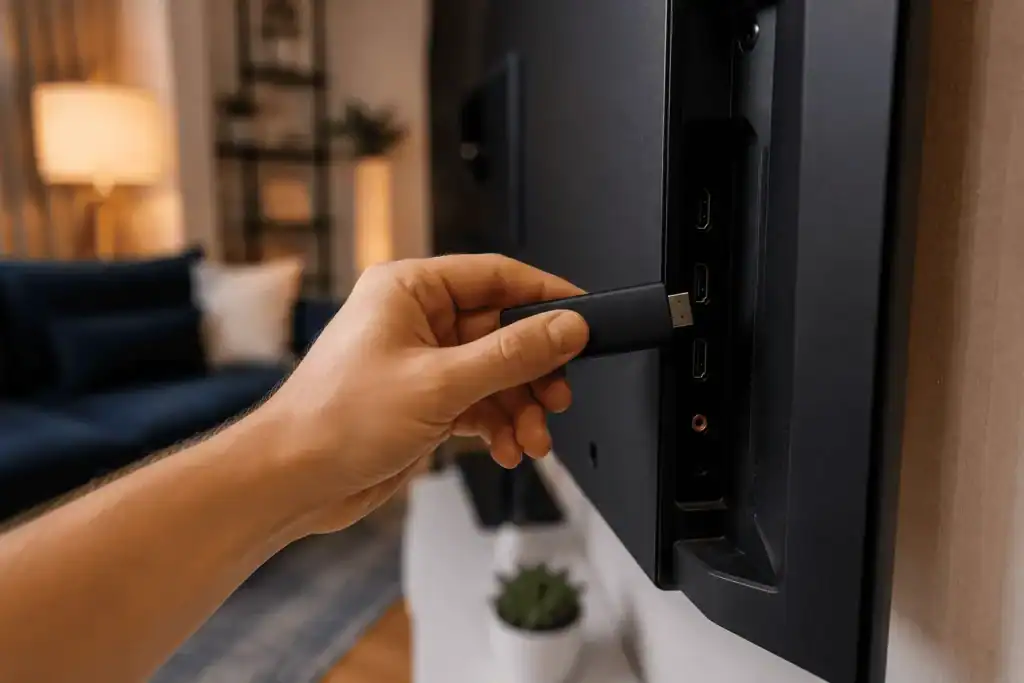
IPTV Smarters Pro for Firestick runs on every Fire TV Stick sold since roughly 2019. What changes between models is the picture IPTV Smarters Pro can actually put on screen.
| Model | Maximum output | Storage | Notes |
|---|---|---|---|
| Fire TV Stick Lite | 1080p | 8 GB | Runs fine, caps at 1080p regardless of the source |
| Fire TV Stick (3rd gen) | 1080p | 8 GB | Same ceiling, slightly quicker menus |
| Fire TV Stick 4K | 4K, Dolby Vision | 8 GB | The realistic minimum for 4K streams |
| Fire TV Stick 4K Max | 4K, Wi-Fi 6E | 16 GB | Extra memory shows during long sessions |
| Fire TV Cube | 4K, Wi-Fi 6E | 16 GB | Only model with an Ethernet port built in |
Not sure which one is sitting behind your TV? Settings, then My Fire TV, then About. The model name is on the first line.
The 8 GB models fill up faster than people expect once a large playlist and a week of guide data are cached. If your stick is already crowded with games and streaming apps, clear some space before you start.
Before you install IPTV Smarters Pro for Firestick
Three things, and none of them take long.
Check your internet speed at Speedtest, ideally in the evening rather than at midday. Around 15 Mbps carries HD comfortably on one screen. For 4K you want 25 Mbps or more, and that number matters far more than whether you run IPTV Smarters Pro or something else.
Have your subscription details in front of you. Either the M3U URL or the server address, username, and password.
And decide how you are going to type. A long M3U URL entered with the Firestick remote is genuinely miserable. The free Fire TV app on your phone turns your handset into a keyboard and saves several minutes of squinting at an on-screen grid.
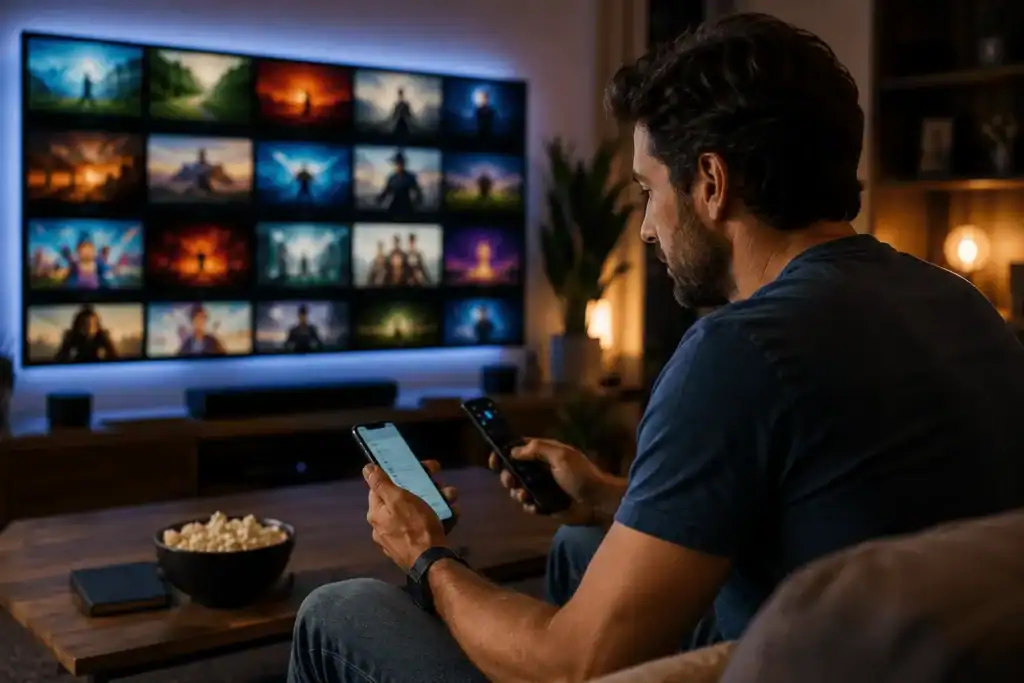
Step 1: Allow installs from unknown sources
Open Settings, go to My Fire TV, then Developer Options. Turn on installs from unknown apps, and enable it specifically for Downloader.
On recent Fire OS versions Developer Options is hidden. Go to Settings, My Fire TV, About, then click your device name seven times. A message appears telling you that you are now a developer, and the menu reappears one level up.
That is the whole of the “jailbreaking” everyone talks about. It is a standard Android setting, it does not modify the operating system, and it does not affect your warranty or your Amazon account.
Step 2: Install Downloader
Downloader is a free app made by AFTVnews, and it sits in Amazon’s own store. Search for it from the Firestick home screen, install it the way you would install anything else, and grant it storage permission when it asks.
The app is a stripped down browser. It fetches a file from a web address and hands it to the installer. That is all it does, and it is the standard route for putting any app on a Fire TV device that Amazon has not listed.
Step 3: Download the app
Open Downloader and type the address of the official IPTV Smarters Pro site into the URL bar. Find the Android download, and let it pull the APK file. It is usually somewhere between 15 and 25 MB, so it lands quickly.
When the download finishes, Downloader asks whether you want to install. Say yes. Fire OS will warn you about installing from an unknown source, which is expected, so confirm again. The install itself takes about thirty seconds.
One warning worth taking seriously. Search results for this app are full of mirror sites offering “modded” or “premium unlocked” builds. Those files are repackaged by strangers and installed with full permissions on a device that lives on your home network. Take the app from the official site, or from a download link your provider sends you directly.
Step 4: Add your line
Open IPTV Smarters Pro, accept the terms, and pick your login method.
For Xtream Codes, choose the login option and fill in three fields: any name you like for the profile, your username, your password, and the server URL. The server address needs the full format including the port, so something like http://server.example.com:8080 rather than just the domain.
For M3U, choose the playlist option, give the profile a name, and paste the whole URL exactly as your provider sent it. One missing character and it fails silently.
Channels and guide data populate over the next minute or two. On a first load with a big playlist, give it longer than you think it needs.
If you have reached this point without a subscription, this is where you stop. The app is working correctly and there is simply nothing to feed it. Our guide to choosing an IPTV service for a Firestick covers the speed you need, what a working program guide should look like, and the questions worth asking any provider before you pay them.
When it does not work
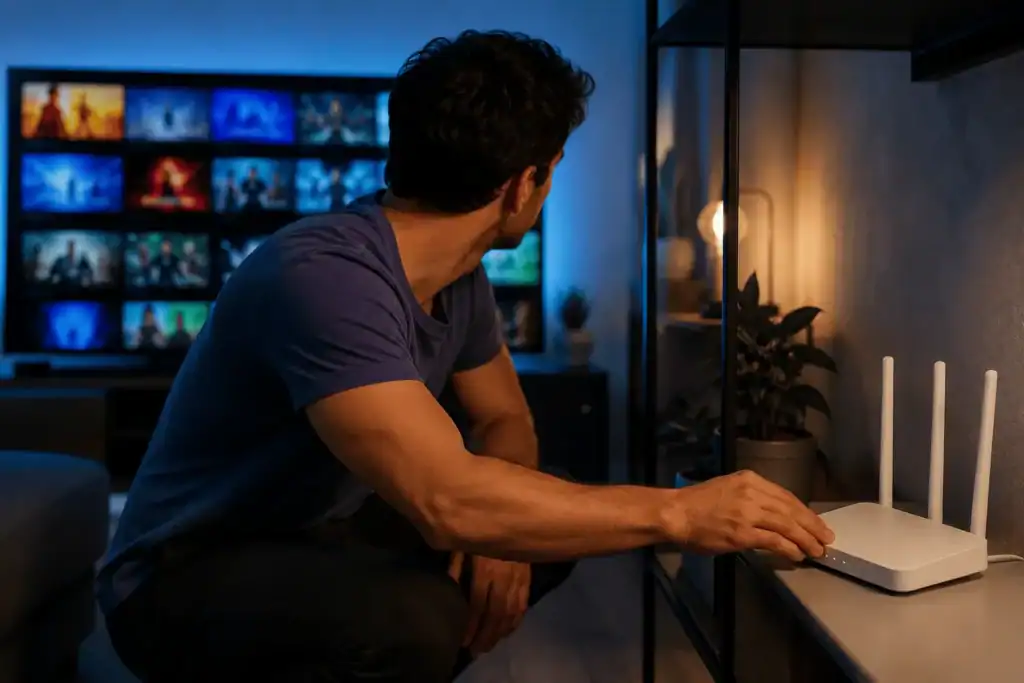
Most problems after a clean install fall into four buckets.
The app says it failed to authorize
This almost always means the credentials are being rejected rather than the app being broken. Retype the username and password by hand instead of pasting, since a trailing space is invisible and fatal. Check the server URL includes http:// and the port number.
If those are right, the subscription itself is the likely cause. It may have expired, or every connection on the plan may already be in use somewhere else in the house. A single connection plan will refuse a second device even if the first one is only sitting on a paused screen.
The guide is empty or the times are wrong
The program guide comes from your provider, not from IPTV Smarters Pro. An empty guide usually means the EPG URL was never configured on their end.
Wrong times are a timezone setting. Inside IPTV Smarters Pro, find the EPG timeshift option and adjust it until the listings line up with what is actually on screen.
It buffers on a connection that should handle it
Try the 5 GHz band before anything else. It reaches less distance than 2.4 GHz but it is far less crowded, and in most homes that alone fixes it.
After that, increase the buffer size in the IPTV Smarters Pro playback settings. You trade a second of startup delay for far fewer stalls mid stream. If you own a Cube, or a stick plus Amazon’s Ethernet adapter, a wired connection removes the variable entirely.
A useful test: watch one specific channel at 2pm and again at 8pm. If it is only bad in the evening on a wired connection, the problem is on the provider’s servers and no setting on your Firestick will fix it.
It crashes or runs slowly
Clear the app cache rather than the data. Settings, Applications, Manage Installed Applications, pick the player, clear cache. On an 8 GB Lite this is worth doing every few weeks.
Is it legal?
The app is. IPTV Smarters Pro is published on Google Play and the App Store, and sideloading software onto hardware you own is not against the law.
The legal question attaches to the service you connect it to. A provider operates lawfully where it holds distribution rights for the channels it carries, and unlawfully where it does not. That is a question about the provider, not about the player or the stick.
Before paying anyone, look for published terms, a stated refund policy, and a contact address for copyright complaints. A service that has none of those has told you something. For background on how the underlying delivery technology works, Wikipedia’s IPTV article is a neutral place to read up.
Is IPTV Smarters Pro worth using?
Pros
- Completely free, no upgrade prompts
- Works with both M3U and Xtream Codes
- Runs on every Firestick model since 2019
- Simple enough to set up in one sitting
- Supports external players like VLC and MX
Cons
- Program guide is basic next to TiviMate
- Not in the Amazon store, so sideloading is required
- Favourites and layout options are limited
- No channels without a paid subscription
Frequently asked questions
Is IPTV Smarters Pro for Firestick free?
Yes. IPTV Smarters Pro for Firestick is free to download and use. Some builds offer a paid tier with extra features, but the standard version handles live channels, the guide, and on demand content without charge. The cost comes from the subscription you connect to it.
Do I need a subscription to use it?
Yes. IPTV Smarters Pro carries no channels of its own. Without login details from a provider it opens to an empty screen. This catches out most people who install it expecting free television.
Why does it say failed to authorize?
Usually wrong credentials, an expired subscription, or every connection on your plan already being in use. Check that the server URL includes http:// and the port number, and retype the password rather than pasting it.
Does it work on Firestick Lite and 4K Max?
Both, along with the 3rd gen stick and the Cube. The Lite runs the app normally but caps output at 1080p, so 4K streams play at lower resolution no matter what the source offers.
Is sideloading safe?
Sideloading itself is a normal Android function. The risk is the file, not the method. Take the APK from the official site or a link your provider sends, and avoid mirror sites advertising modified builds.
Do I need a VPN?
Not for IPTV Smarters Pro to work. A VPN helps on university, office, and hotel networks that block streaming ports, and some people run one permanently for privacy. On an ordinary home connection you can skip it.
Wrapping up
Installing IPTV Smarters Pro for Firestick takes four steps, and the only part that reliably goes wrong is the login. Get the server format right, watch for trailing spaces, and check whether another device in the house is already holding your connection.
If you want the setup instructions for other hardware, our full install guide covers Android boxes, Samsung and LG televisions, MAG hardware, and desktop. Same principle throughout: the player is one half, the subscription is the other, and neither works alone