3 Types of IPTV: The Ultimate Guide to Different IPTV Services

IPTV just means television delivered over an internet connection instead of a cable line or satellite dish. That part is simple enough. Where people usually get stuck is realizing there isn’t one single “IPTV” product, there are several types of IPTV, each doing a different job, and the terms get thrown around interchangeably even though they mean fairly different things. If you’ve landed here after reading about IPTV somewhere else and come away more confused than when you started, that’s a fair reaction. This guide sorts out the different types of IPTV streaming, how services differ from the apps you watch them on, and what M3U and Xtream Codes actually refer to.
| Attribute | Details |
|---|---|
| Topic | Types of IPTV |
| Level | Beginner |
| Devices Covered | Firestick / Fire TV, Smart TVs, Android, iPhone / iPad, Windows, Mac |
| What You Need | A compatible IPTV service and IPTV player/app |
In This Guide
The three core types of IPTV
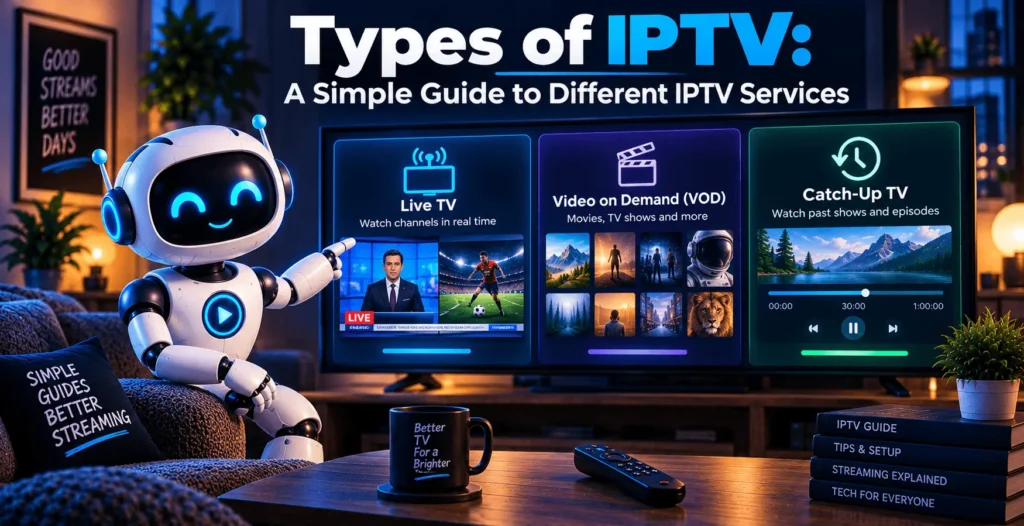
Most discussions about types of IPTV services eventually come down to three categories: live IPTV, video on demand, and time-shifted or catch-up IPTV. They solve different problems, and a lot of providers offer all three bundled together, which is part of why people conflate them.
Live IPTV :
is the closest thing to traditional cable. Channels stream continuously, in real time, the same way a broadcast network works, just delivered as internet data instead of over the air or through a coaxial cable. If you’re watching a news channel or a live sports broadcast, this is the type of IPTV doing the work.
Video on demand (VOD) :
flips that model. Instead of a fixed schedule, you’re pulling from a library of movies, shows, or other pre-recorded content and starting it whenever you want. VOD is IPTV in the sense that it uses the same underlying delivery method, but there’s no “channel” involved at all, just a catalog you browse.
Time-shifted, or catch-up, IPTV :
sits between the two. It lets you rewind or replay a live broadcast after it’s aired, usually within a limited window, a few days to a week depending on the provider. This is the feature that lets you catch a show you missed without needing to have recorded it yourself.
Knowing which of these types of IPTV streaming you actually need matters before you sign up for anything. Someone who only wants a live sports feed doesn’t need a service built around a massive VOD library, and someone who mostly rewatches shows doesn’t need to pay for hundreds of live channels they’ll never tune into.
IPTV services vs. IPTV apps and players
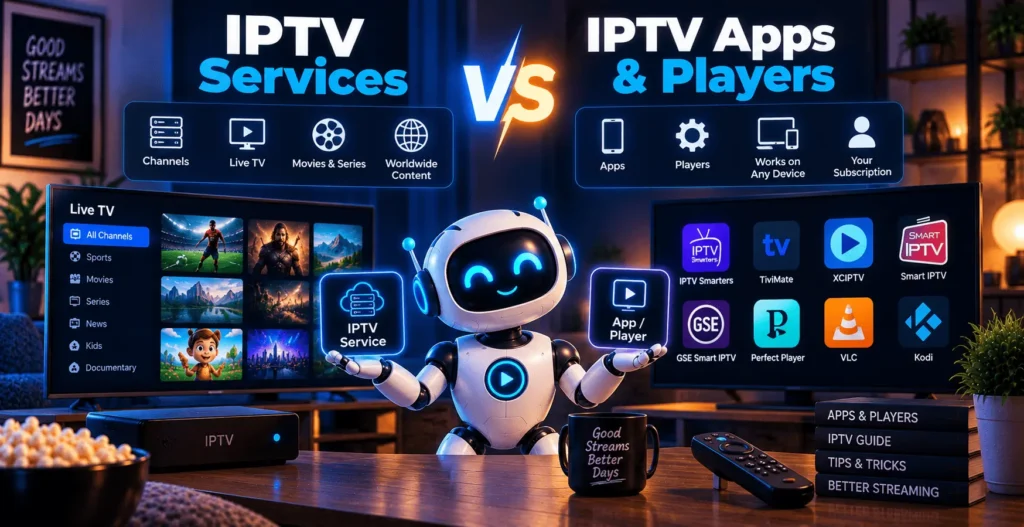
This is where a lot of confusion comes from, and it’s worth being precise about it. An IPTV service is the actual content provider: the company (or in some cases, individual) supplying the channel lineup, the VOD catalog, and the subscription or access credentials. An IPTV app or player is the software you use to actually watch that content. They are not the same thing, and one doesn’t work without the other.
Think of it roughly like a cable subscription and the TV remote. The subscription gets you the channels; the remote is just how you interact with them. Popular players like VLC, IPTV Smarters, or TiviMate don’t come with any channels built in. You point them at a service, using either a playlist link or login credentials, and the player displays whatever that service provides.
This distinction matters because a lot of the frustration people run into isn’t actually about the type of IPTV they’ve chosen, it’s about a mismatch between the app and the service. A perfectly good subscription can look broken if you’re using a player that doesn’t support the format your provider uses, or that hasn’t been updated in a while. VLC is worth mentioning here specifically because it’s one of the few players that reliably handles most common IPTV formats without much setup, which makes it a decent troubleshooting tool even if it’s not your main app.
M3U playlists and Xtream Codes: formats, not separate types
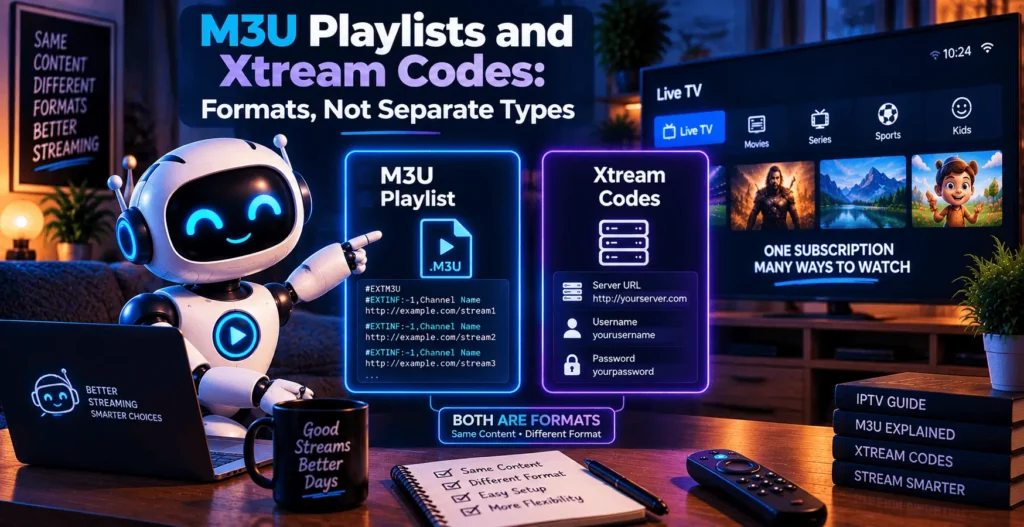
People sometimes ask whether M3U is its own category among the types of IPTV, and the short answer is no. M3U and Xtream Codes aren’t types of IPTV in the same sense as live, VOD, or catch-up. They’re access methods, the technical format a service uses to hand you its channel and content list.
An M3U playlist is essentially a plain text file containing a list of stream URLs, one for each channel or piece of content. You load that file into a compatible player, and it builds the channel list from it. It’s a simple, widely supported format, which is part of why it’s still common even though it’s not particularly elegant.
Xtream Codes works a bit differently. Instead of handing you a static playlist file, it’s an API-based system: you log in with a username, password, and server address, and the player pulls the current channel list, VOD catalog, and electronic program guide directly from the provider’s server. This tends to stay more current than a static M3U file, since the provider can update the server side without you needing to download a new playlist every time something changes.
Neither format changes what type of IPTV content you’re getting. A live channel delivered through M3U and the same channel delivered through Xtream Codes are still both live IPTV. The format just determines how your app connects to it and how easily it stays updated.
Types of IPTV across devices
IPTV isn’t tied to one screen, and how well it works depends a fair amount on what you’re using.
Firestick :
is one of the more common devices for this because it’s cheap and supports a wide range of IPTV apps directly. Setup usually just means installing a compatible player from the Amazon app store or sideloading one, then entering your service’s playlist link or Xtream Codes login. If you’re specifically looking into this device, our guide to IPTV on Firestick covers the setup in more detail.
Smart TVs :
vary more by brand. Some newer models support IPTV apps natively through their built-in app stores; others need you to cast from a phone or plug in a separate streaming device. It’s worth checking what your specific TV platform actually supports before assuming compatibility.
Android devices :
phones, tablets, and Android TV boxes, tend to be the most flexible option since the platform allows a wide range of apps without much restriction. This also means quality varies more between different players, so it’s worth checking reviews before settling on one.
iPhone and iPad :
work fine with IPTV, though Apple’s app store is more restrictive about what gets approved, so the player selection is smaller than on Android. Most services that support iOS work through a dedicated app or through screen mirroring from another device.
Windows and Mac :
computers can run IPTV through a desktop player like VLC or a dedicated IPTV app, and this is often the easiest environment to troubleshoot in, since you have direct access to files, logs, and settings that a TV interface usually hides from you.
A quick comparison
| Type or format | What it actually is | What it’s good for |
|---|---|---|
| Live IPTV | Continuous, real-time channel streaming | Sports, news, anything you watch as it airs |
| VOD | On-demand library of movies and shows | Watching content on your own schedule |
| Time-shifted / catch-up | Replay of recent live broadcasts | Catching something you missed within a set window |
| M3U | Static playlist file listing stream links | Simple setup, wide player compatibility |
| Xtream Codes | API-based login pulling live channel/VOD data | Content that updates automatically without a new playlist |
Is IPTV legal?
IPTV as a technology is not illegal. It’s the same basic delivery method used by mainstream services like YouTube TV or Hulu + Live TV, both of which are IPTV in the technical sense. What determines legality is whether a specific service actually has the rights to distribute the content it’s offering. A provider that’s transparent about its licensing is generally on solid footing. One that’s vague about where its channels come from, or that seems to offer premium content at a price that doesn’t add up, is worth approaching with real skepticism.
This applies across every type of IPTV covered here. Live channels, VOD libraries, and catch-up content all depend on the provider actually holding distribution rights, regardless of whether you’re accessing them through M3U or Xtream Codes.
Types of IPTV: Pros and Cons of Each Option
Pros
- Covers live TV, on-demand libraries, and catch-up viewing through one connection instead of separate boxes or subscriptions.
- Works across most devices, from a Firestick to a phone to a desktop player like VLC, without extra hardware.
- No satellite dish or cable installation required; you’re up and running as soon as the app and credentials are set.
- Switching between M3U and Xtream Codes access, or between providers, doesn’t require new equipment.
Cons
- Stream quality depends entirely on your internet connection, so a weak or unstable line shows up immediately.
- Legitimacy varies a lot by provider, and it’s on you to check that a service actually holds the rights to what it’s distributing.
- Static M3U playlists can go stale if a provider doesn’t keep them updated, unlike Xtream Codes logins that pull live data.
Frequently asked questions
What are the main types of IPTV?
The three main types are live IPTV, video on demand (VOD), and time-shifted or catch-up IPTV. Live IPTV streams channels in real time, VOD offers an on-demand content library, and catch-up lets you replay recent broadcasts within a limited window.
What is the difference between live IPTV and VOD?
Live IPTV streams content continuously on a schedule, the way a traditional TV channel works. VOD has no schedule at all; you choose something from a library and start it whenever you want.
Is M3U a type of IPTV?
No. M3U is a playlist format, a way of listing stream links for a player to read, not a separate type of IPTV content. Live channels, VOD, and catch-up content can all be delivered through an M3U playlist.
What are Xtream Codes used for?
Xtream Codes is a login-based method that lets an IPTV app pull live channels, VOD, and program guide data directly from a provider’s server using a username, password, and server address, rather than relying on a static playlist file.
Which type of IPTV is best for Firestick?
Firestick handles all the main types of IPTV well, since it supports a wide range of players that work with both M3U playlists and Xtream Codes logins. The right choice depends more on which service you’re using than on the device itself.
Is IPTV legal?
IPTV technology itself is legal. Whether a specific service is legal depends on whether it holds proper rights to distribute the content it offers, which varies from provider to provider.
Wrapping up
The different types of IPTV aren’t competing products so much as different pieces of the same puzzle. Live IPTV covers real-time viewing, VOD covers on-demand libraries, and catch-up fills the gap between them. M3U and Xtream Codes are just the plumbing that connects a player to a service, not separate categories of content. Once that distinction is clear, most of the confusion around IPTV terminology tends to sort itself out, and choosing a service or app becomes a matter of matching it to what you actually watch rather than guessing at unfamiliar acronyms.